Adobe MAX 2026 for designers: taking an exhibition poster from Photoshop to print
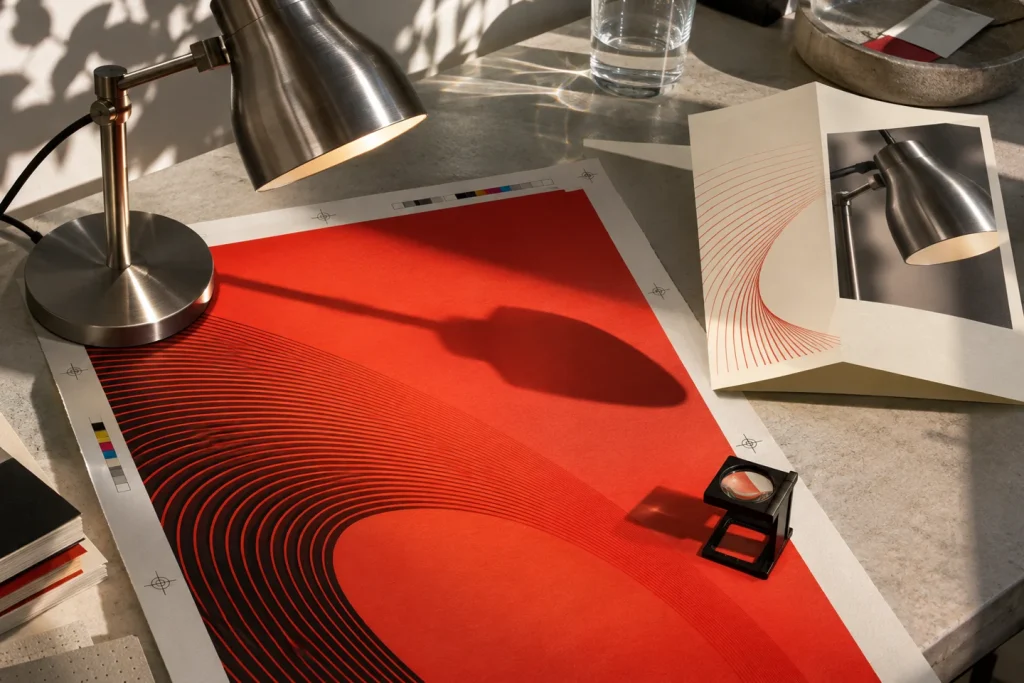
Explore Photoshop Relight, Illustrator 31.0 blends and InDesign 22.0 layouts through one exhibition poster, from the first lighting choice to the final print check.
Practical guides to graphic design, AI and print. See how a design decision plays out on screen, on paper and in production.

Explore Photoshop Relight, Illustrator 31.0 blends and InDesign 22.0 layouts through one exhibition poster, from the first lighting choice to the final print check.

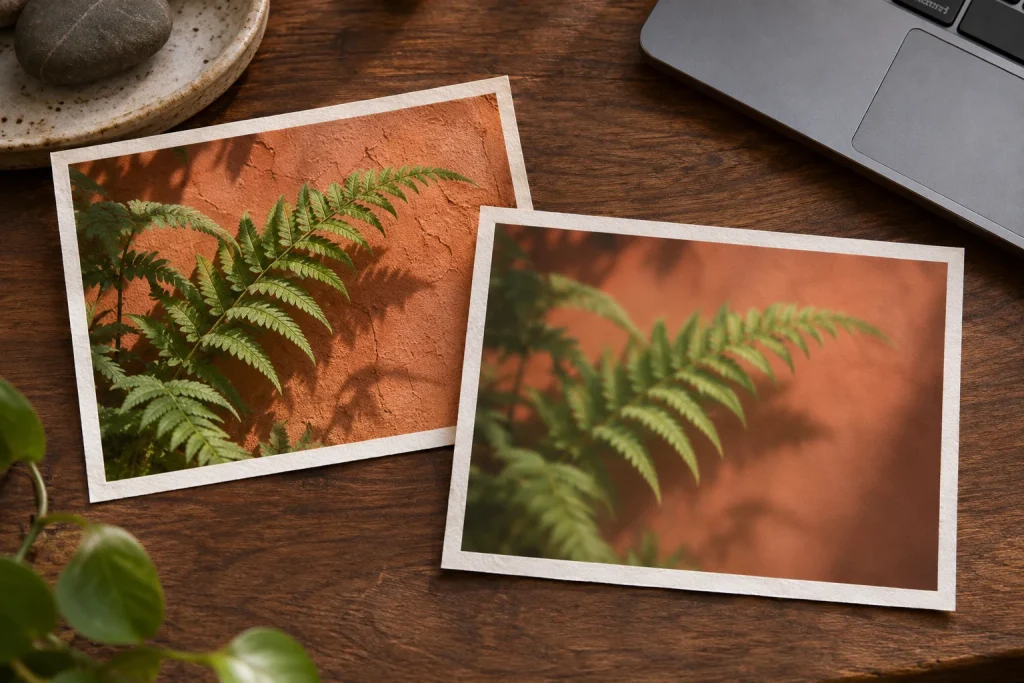
Keep a fern photo and its blur separately editable. Reopen an XCF and a WebP to see what each file actually preserves.

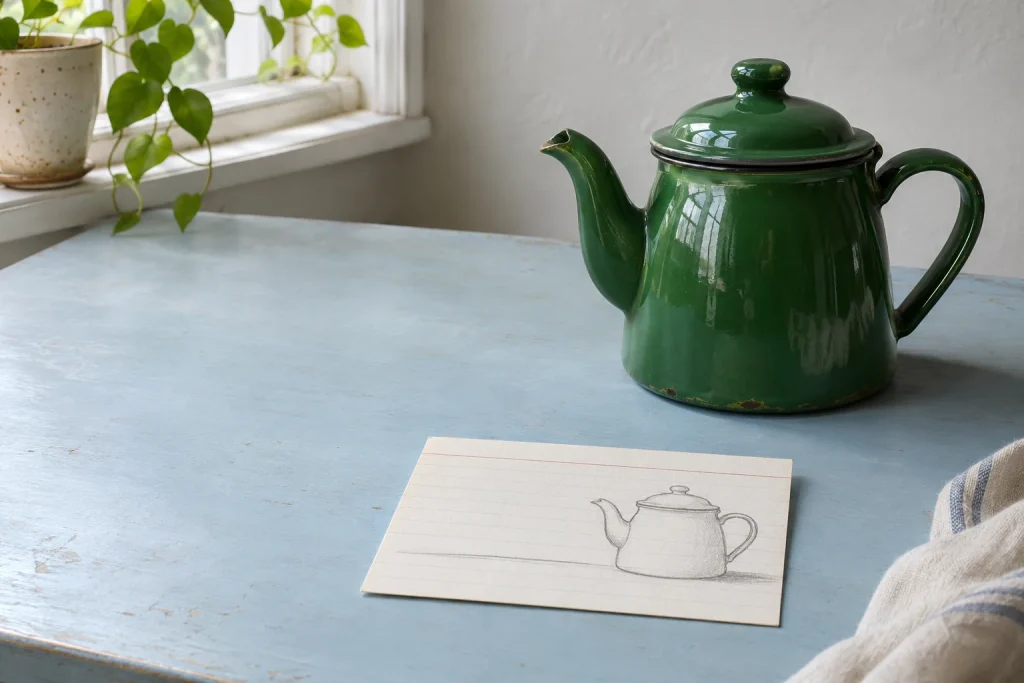
Use a teapot sketch as a composition reference, then judge two variations by whether the actual headline fits.

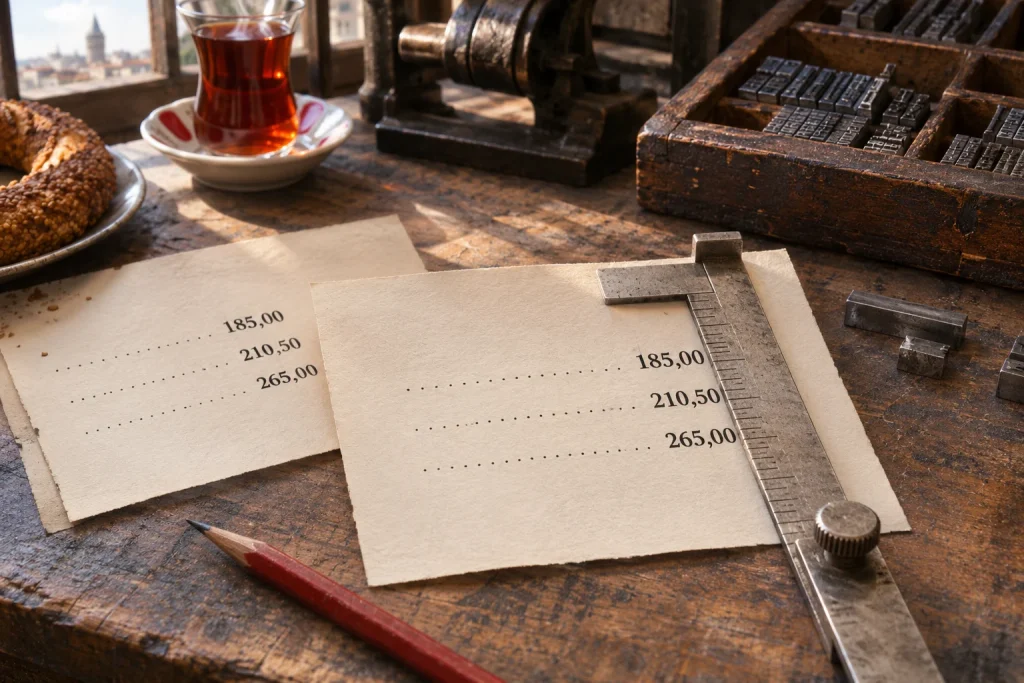
Build a price column in InDesign that survives a change from two digits to three. A Turkish menu makes a useful test of decimal alignment.

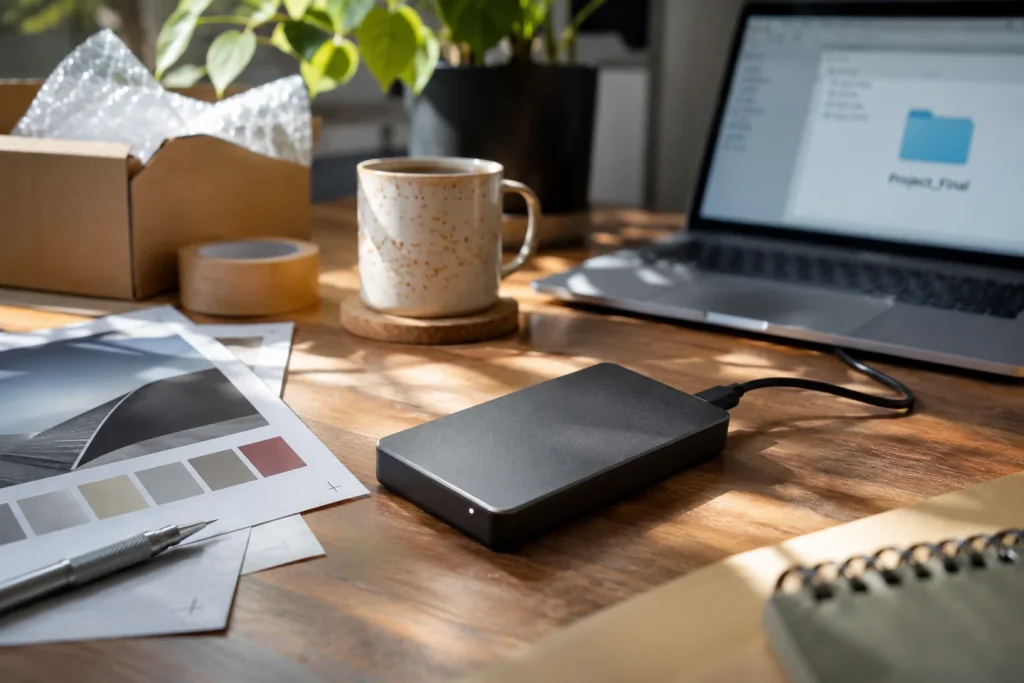
Separate the source files, the approved final output, and any linked images; then, test the archive by opening it from an independent folder.

Define the empty, loading, error, and completed states for a single search box.

Pinpoint the source of unwanted movement in a short product animation by stabilizing the camera, the product, and the lighting independently.
With your permission, Google Analytics measures page visits and completed enquiries. Your message and attachment stay private. Cookie policy