How to find a jump in a stop-motion product shoot
Pinpoint the source of unwanted movement in a short product animation by stabilizing the camera, the product, and the lighting independently.
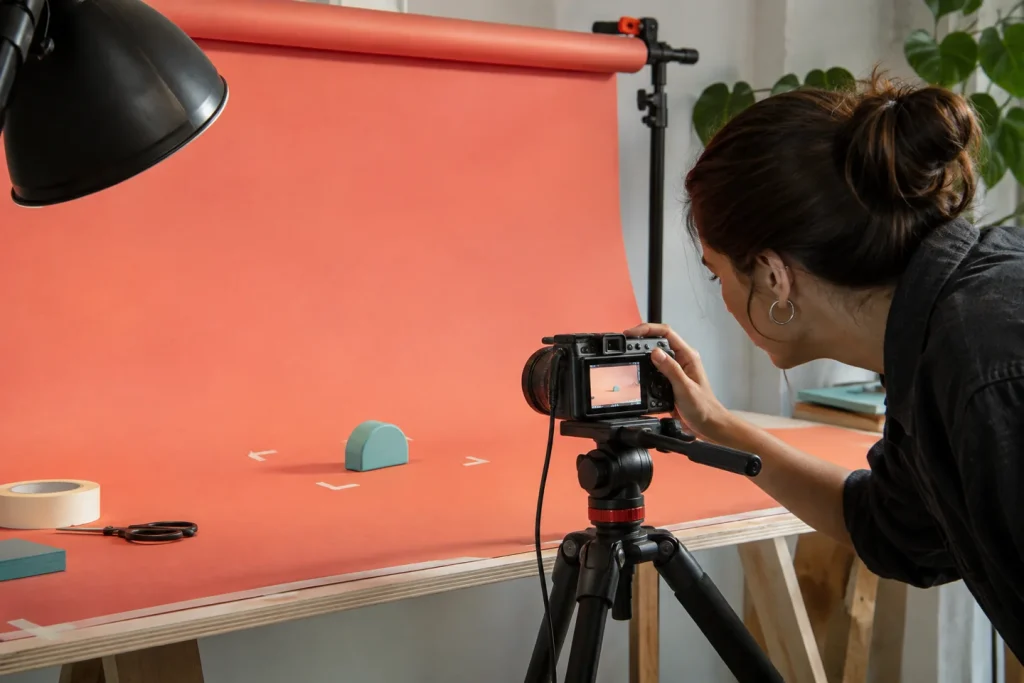
Suppose you have captured twenty frames of a bottle "walking" across a table. If the entire table appears to jump in the twelfth frame, the issue may not lie with the bottle’s movement. First, observe a fixed corner in the background; if that corner also shifts, it means either the camera or the surface has moved.
Place two distinct markers on your set.
Use tape to mark the positions of the tripod legs. Mark the path the product is intended to follow using small indicators placed outside the frame. Keep focus, exposure, and white balance locked. Shooting the same scene once without the product allows you to verify later whether the background itself is shifting or unstable.
Overlay two consecutive frames with partial transparency. If the bottle moves a consistent distance in each frame but suddenly appears to stretch or jump in the final frame, you can simply reshoot that specific step. When creating a product animation for social media, adding a few static frames at the beginning and end of the sequence also makes it easier to edit the footage into different durations.