How to line up menu prices at the decimal comma
Build a price column in InDesign that survives a change from two digits to three. A Turkish menu makes a useful test of decimal alignment.
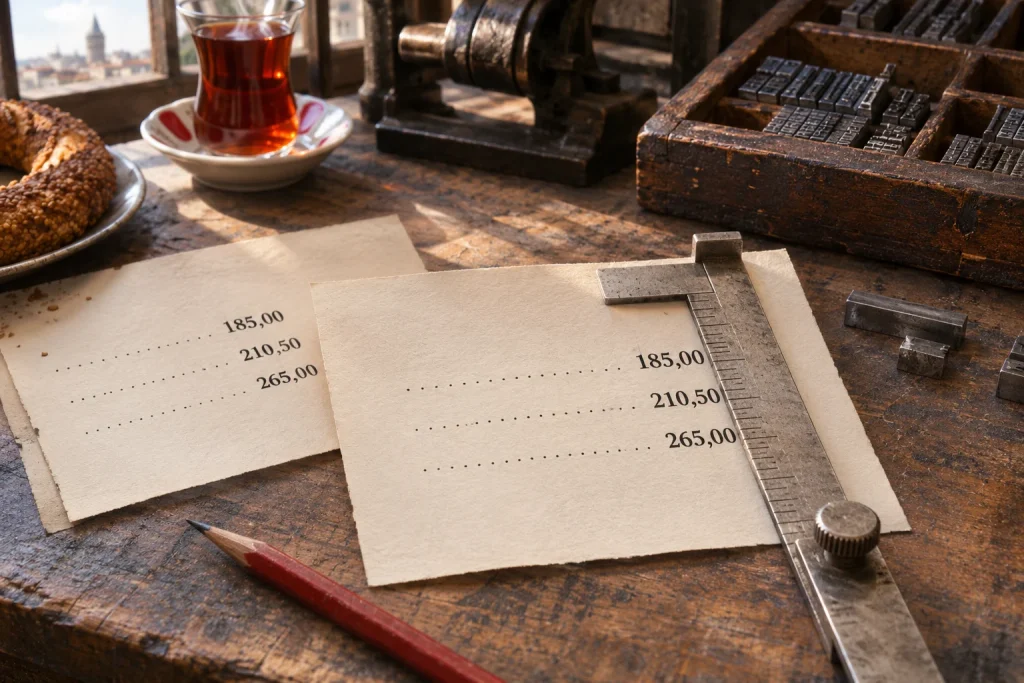
On a Turkish menu, 95,50 TL and 1.250,00 TL start at different positions on the line. What helps a reader compare them is a common boundary between lira and kuruş. Spaces before each price can look convincing on the first proof, until someone adds another digit.
Try it with three menu items
Type three item names in a text frame, one per paragraph. After each name press Tab once and enter 95,50 TL, 120,00 TL and 1.250,00 TL respectively. Select the three paragraphs. In Type > Tabs, choose a decimal tab and click the ruler where the prices should align. Type a comma in Align On and press Enter. In this Turkish example the full stop in 1.250 separates thousands.
Change the first price to 105,50 TL. The extra digit should extend left while the comma stays put. If the comma moves, check that each paragraph shares the same stop and that a real tab, rather than spaces, precedes the number.
Decide whether the menu actually needs fractional prices. When some items have kuruş, writing 120,00 TL keeps the column consistent. If every price is in whole lira and you want no decimal places, a single right-aligned column is simpler.
        95,50 TL
       120,00 TL
     1.250,00 TL