How to change a blur after closing the file in GIMP
Keep a fern photo and its blur separately editable. Reopen an XCF and a WebP to see what each file actually preserves.
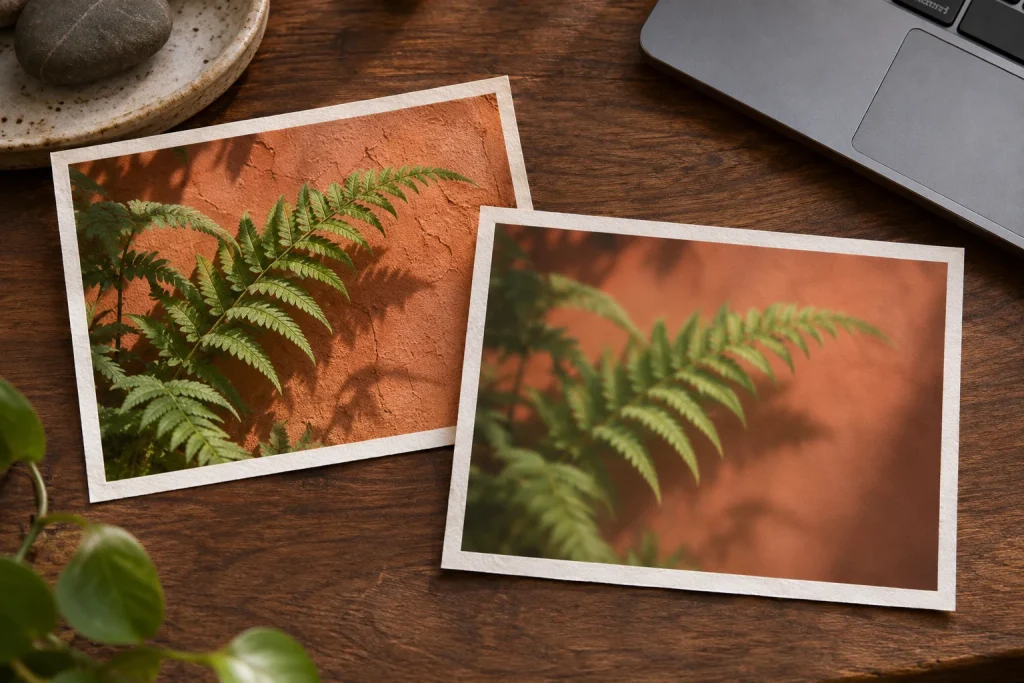
Imagine setting a headline over a fern photo. Softening the foliage makes the words readable, but the next morning you want some leaf detail back. In an exported image the softened pixels are already baked in. In GIMP 3, most GEGL filters can stay attached to the layer as editable effects.
Make two deliveries from the same photo
Open the photo and save it as XCF. Apply Gaussian Blur to the photo layer and leave Merge Filters unchecked. Set the headline on a separate text layer. Softening the leaf edges then leaves the letter edges sharp.
Export the first version as WebP. Save and close the XCF, then reopen it and find the photo layer’s Fx list. Switch off the effect and look at the veins in a leaf. Switch it back on and reduce the blur. If the detail returns when you toggle visibility, the source pixels and the filter are still separate.
Open the exported WebP and look for the same control. This time there is just a rendered image. In a freelance handoff, filenames can make the distinction clear: fern-master.xcf for further edits and fern-web.webp for publication. Saving as XCF after merging a filter cannot bring its settings back.