How to show which card is selected without relying on colour
Test a font picker in greyscale. A check mark, a label and a separate focus outline let readers tell selection from keyboard focus.
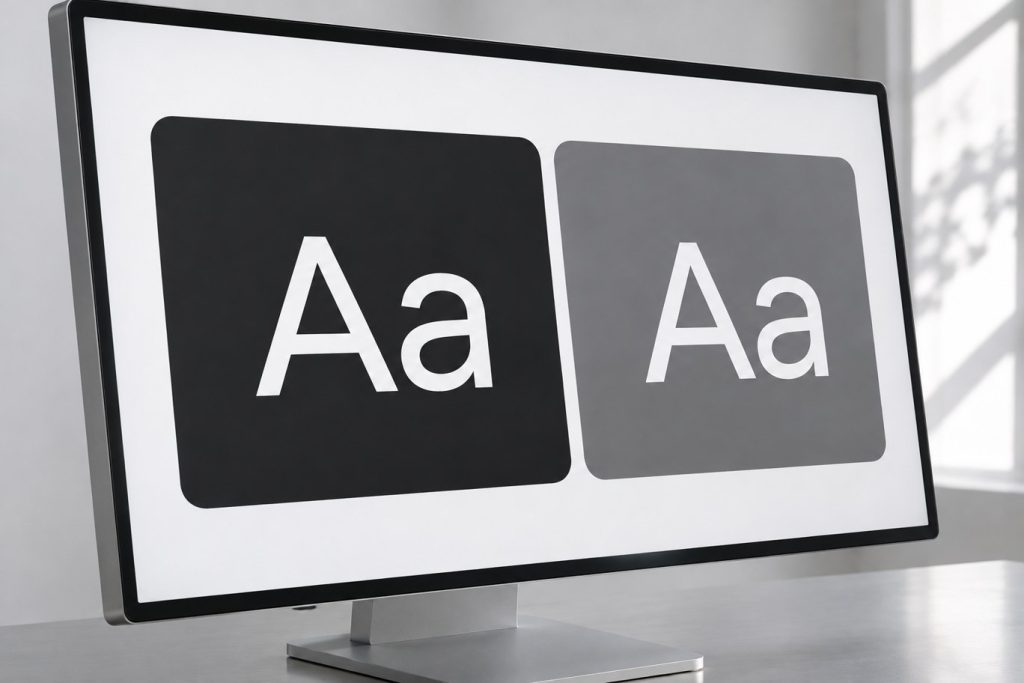
Two cards in a font picker both say “Aa”. One turns purple when selected. Press Tab and a purple outline appears on another control. Which typeface will the page use? A single visual cue is being asked to do two jobs.
Give selection a persistent mark
Label the cards Serif and Sans serif. In version A, use a fill colour to mark the selected font. In version B, add a tick and the word “Selected” inside the card. Reserve an outside ring for keyboard focus. Move focus away: the tick should stay with the active font.
Three checks before handoff
Make a greyscale copy. Can someone name the active option without mentioning a colour? Next, navigate the working interface by keyboard. Finally, narrow the viewport until a label wraps: the tick should never cover the second line. For a single-choice group, specify labelled radio buttons with a shared name and an accessible checked state. A greyscale mock-up tests the visual cue; it cannot test keyboard behaviour.