Keeping the left side clear for a headline in Firefly
Use a teapot sketch as a composition reference, then judge two variations by whether the actual headline fits.
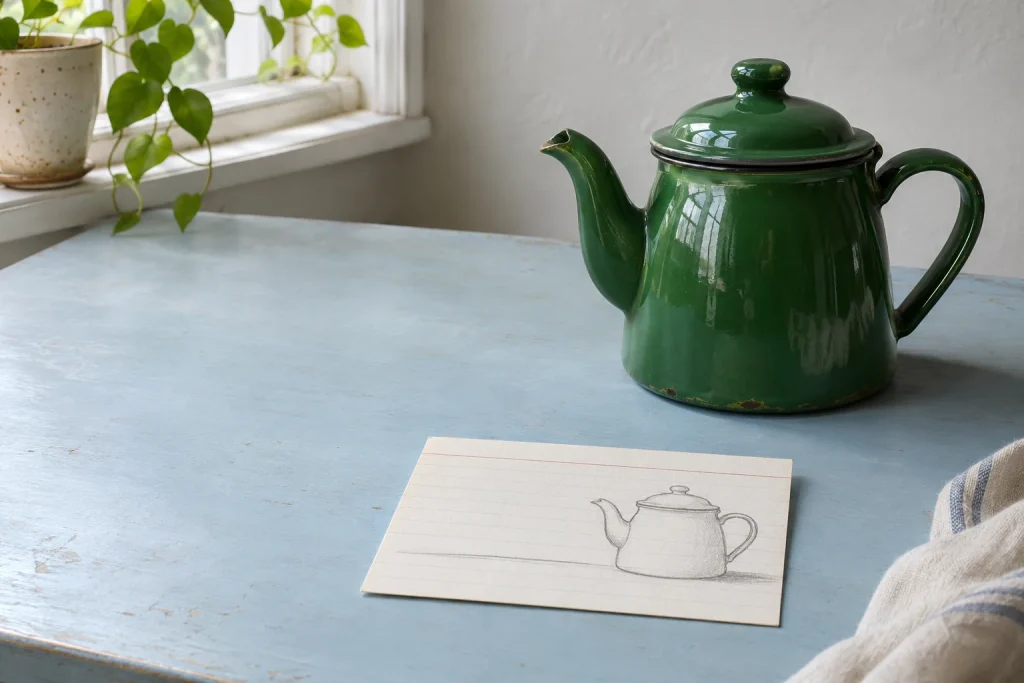
The layout needs a headline on the left, but the generated teapot spout points straight into it. “Leave space on the left” gives the model a direction. A thumbnail sketch lets you specify how much space you need and gives you something concrete to check.
Fit the headline before generating the picture
Start a 1200 × 800 px layout. Set the headline in its intended typeface within the leftmost 480 px. On a copy, remove the lettering and sketch the pot, handle and spout on the right. Use that copy as the composition reference. Keep the real headline editable in the layout file.
Choose a Firefly model that supports composition references and upload the sketch under Composition. Keep the prompt and aspect ratio fixed. Generate one variation with a lower Strength setting and another with a higher one. Adobe identifies outline and depth as cues for matching structure. Higher strength cannot reserve an exact 480 px rectangle.
Put each result behind the headline. Does the spout touch a letter? Does a bright reflection wash out a word? Is the silhouette still recognisable at thumbnail size? If the spout is the only recurring problem, pull it inward on the sketch before the next round. That gives you one specific change to assess.
1200 × 800 px · 480 px (40%) / 720 px (60%)