How wide should a web image be? Measure its display width first
Specify image size, crop, and file weight individually for a full-width cover with mobile card.
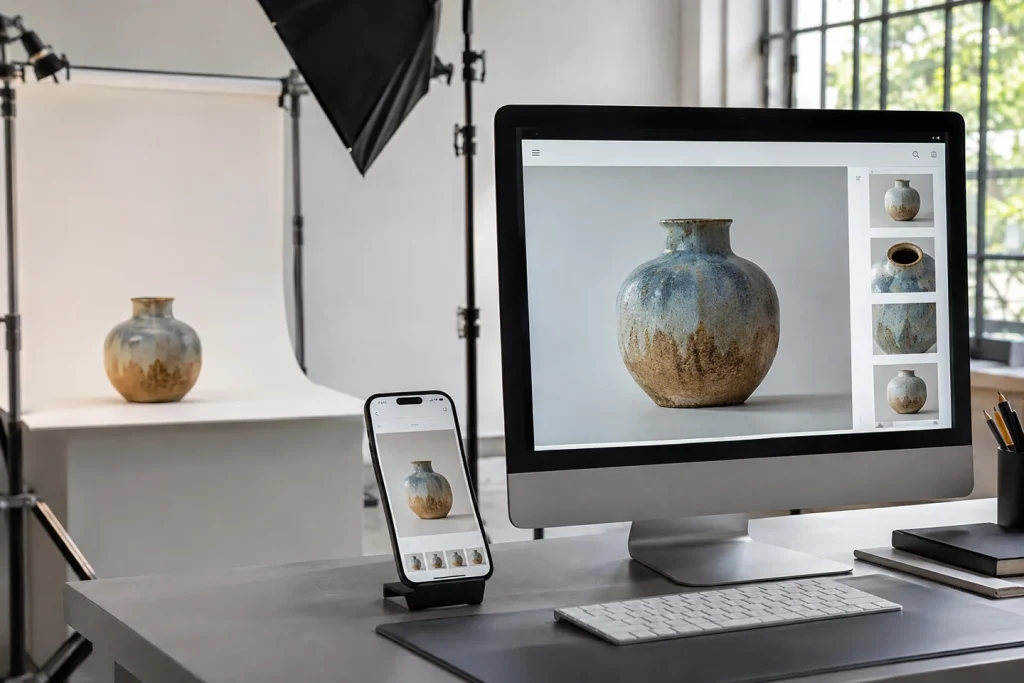
If the product photo is on a 480 pixel wide card on the home page, it is unnecessary to send the 5000 pixel shot to every phone. If the same photo can be opened full screen, the large version also has a function. The first measurement is made in the area occupied by the image in the browser, not in the file folder.
Evaluate the small card by zooming in
For example, for a card that is 480 CSS pixels wide, prepare two outputs that are 480 and 960 pixels wide. The browser can select based on screen density and layout with appropriately defined srcset and sizes values. If the card is cropped differently on the phone, frame the smaller size separately. Simply reducing the size will not bring back the product that is outside the frame.
Open the two outputs with the real phone. If a thin packing line is breaking, gradually reduce the compression. If the image remains sharp, use the lighter file. Recording which size was used for the cover, listing card, and close-up makes it easier to maintain the same quality in future updates to the site.