Which images belong on an AI-assisted mood board?
To see if a moodboard is working, extract one decision from each frame that can be transferred to production.
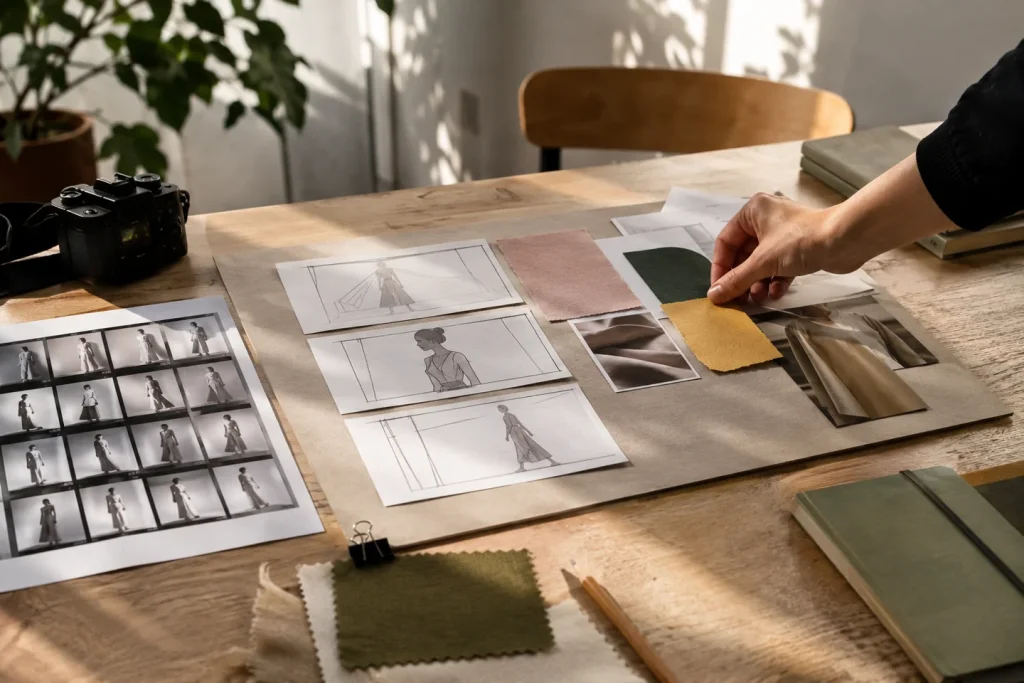
You have chosen twelve beautiful images for a coffee packaging. One in shiny chrome, one in matte ceramic, and one a portrait in the harsh midday sun. Which packaging will you produce when the customer likes them all? The first elimination question when creating a moodboard with artificial intelligence may be: What exactly do we carry from this visual to the design?
Try the same idea in two different directions
Put warm paper texture, dark ink, and soft sidelight on a board. In the second one, describe the same product with a cold background and sharp shadow. Write a single note under each image, such as “color,” “surface,” or “light.” Remove the third square, which does the same job on both boards.
A translucent box offered by a visual production tool can be impressive. If the manufacturer will only use opaque cardboard, test this idea again on the cover sample. Adding a real paper and print sample to the last slide in a freelance graphic design presentation solidifies which part of the chosen direction can be implemented.