Who gets the SVG when you deliver a multipage PDF from Inkscape?
A printer needs the finished PDF. Tomorrow’s editor needs a usable source file. A three-page programme shows where Inkscape 1.4.4 fits.
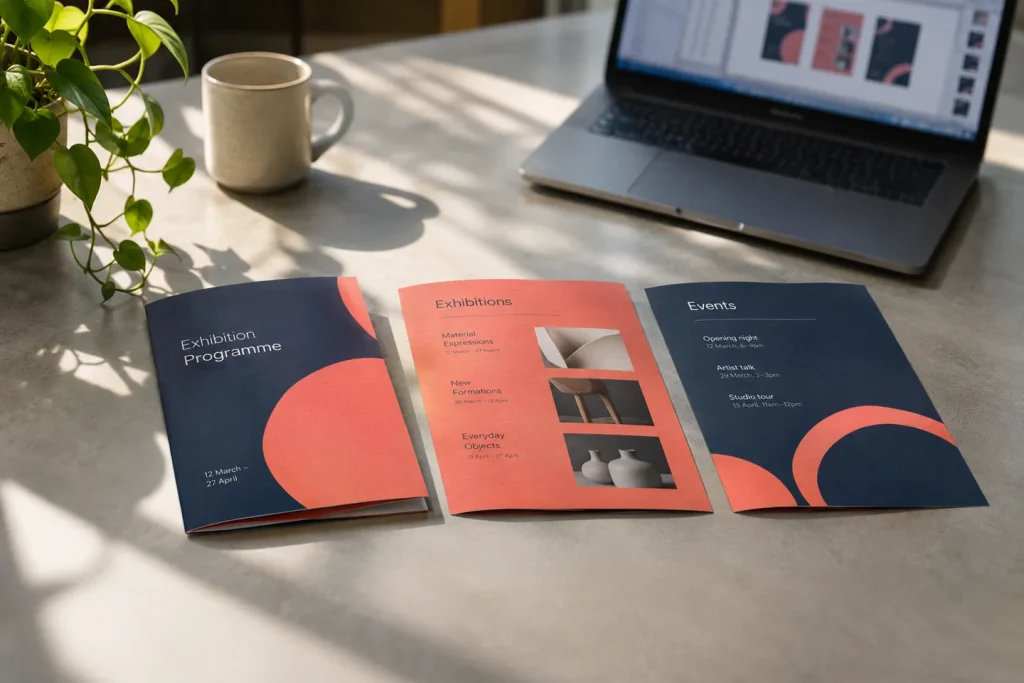
Consider a pocket programme for a trade fair in Ankara: cover, timetable and floor plan. The printer asks for a single PDF. The event team wants a file in which they can move a session the next morning. These are two deliverables with different acceptance tests.
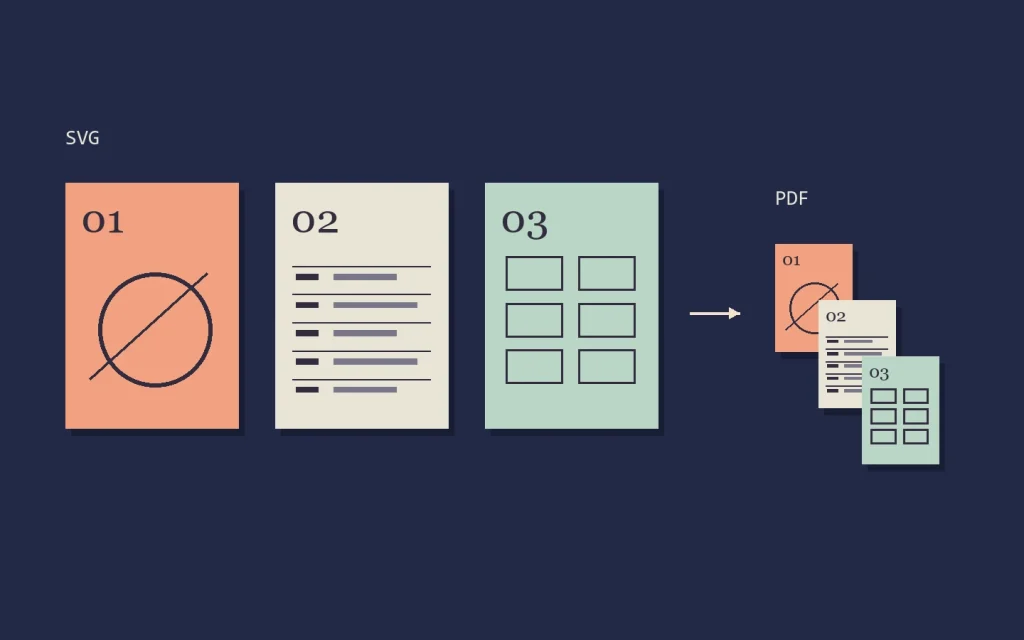
Build all three pages in one document
Inkscape’s Page tool adds pages to a document without creating separate files. Give the cover, timetable and plan meaningful working names. On a proof, put a temporary 01, 02 and 03 in the corners. Open the exported PDF in a separate reader. Its thumbnail strip makes it immediately obvious if you exported only the cover or put the floor plan second. Remove the temporary numbers for delivery.
Why the version matters
The May 2026 release announcement describes 1.4.4 as a bridge between multipage SVG formats. Versions earlier than 1.4.3 cannot interpret the page structure created by 1.5 and later. A document that shows three pages on your machine may therefore look different at the receiving end. Ask which version the editor will use before sending the source.
Keep one print PDF and a separate editable SVG. Count the PDF thumbnails, then read the timetable at actual size. If you can open the SVG in the recipient’s version, change one time on page two, save a copy and reopen it. All three pages should still be there.