Why does a product float after an AI background swap?
The colours work and the table looks right. The problem may lie in the few darkest pixels under the bottle.
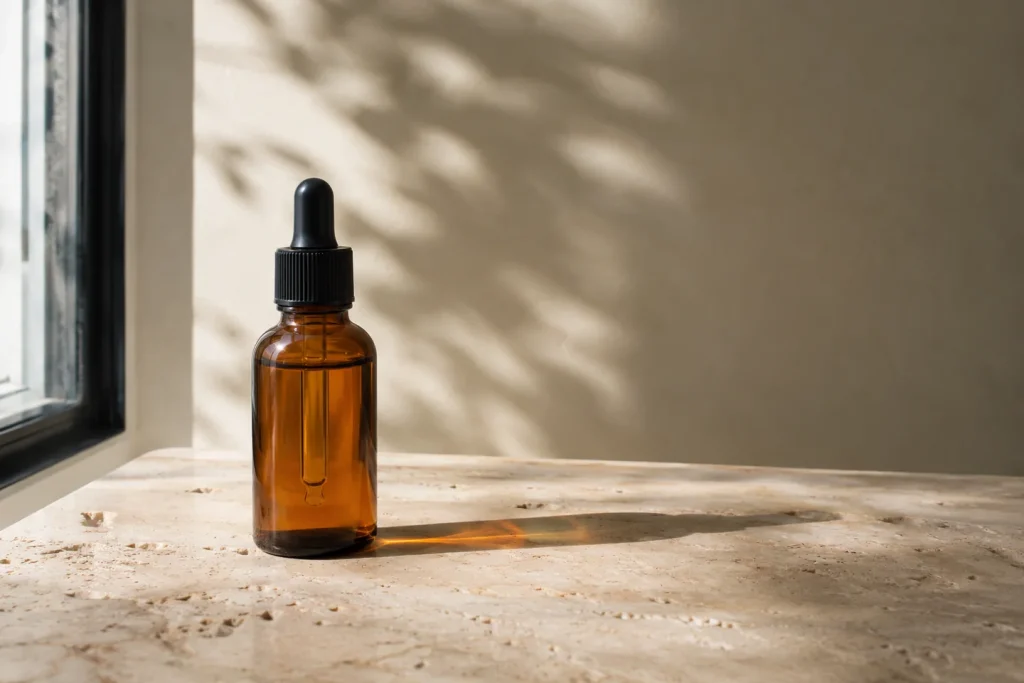
You replace a cosmetics bottle’s white backdrop with a warm tabletop. The lighting is attractive, the perspective plausible. Yet the bottle seems to hover a finger’s width above the surface. Shrink the image and look at the base before generating another background.
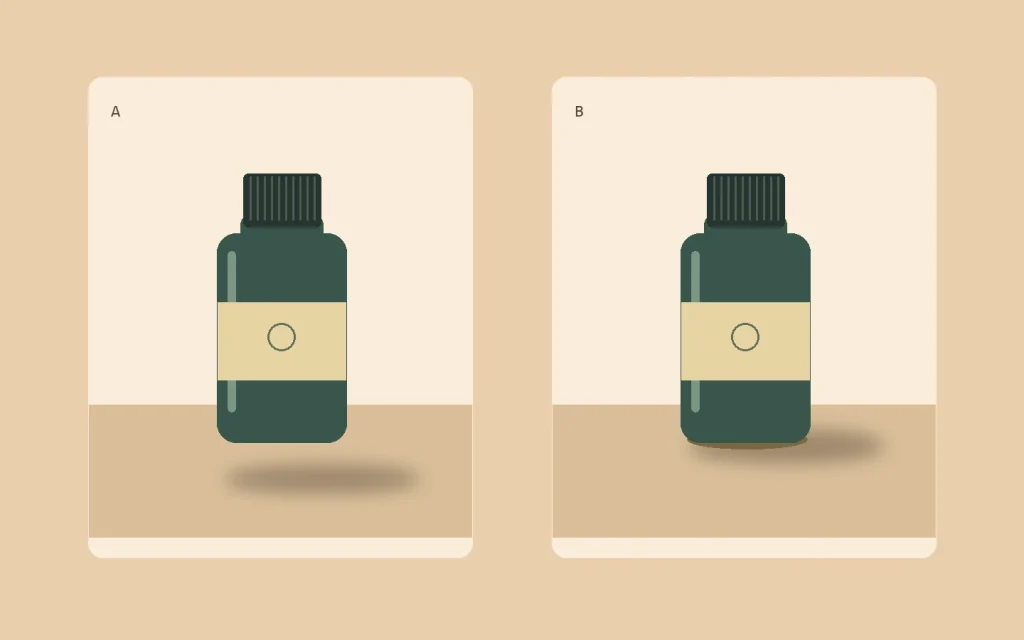
Find the contact line
Both bottles in the illustration stand at exactly the same height. On the left, the soft shadow starts a few pixels below the base. On the right, a narrow dark shadow touches the bottom edge. A second, broader shadow softens as it travels away. That first sliver of darkness gives the object weight. This illustration isolates the principle. In a photograph, the base and the size of the light source determine the shape.
Keep the original product layer
After using Generate Background in Photoshop, compare the label edge, cap lettering and highlights with the original photograph. If you see a window reflected on the left but the new shadow also falls left, the background may be describing a different light source. Correct the light first. Painting a darker patch under the glass can make it look dense without making it look grounded.
Before delivery, view the same crop as a thumbnail and again at 100%. In the thumbnail, judge the weight of the bottle. At full size, look for a white fringe along the base and check that the lettering still has its original shape.