Designing a QR menu: from the room-service card to the bar table
Addressing the correct header, surrounding blank space around the code, and print proofing via Salamis Bay Conti's room service, minibar, and bar cards in the QR menu.
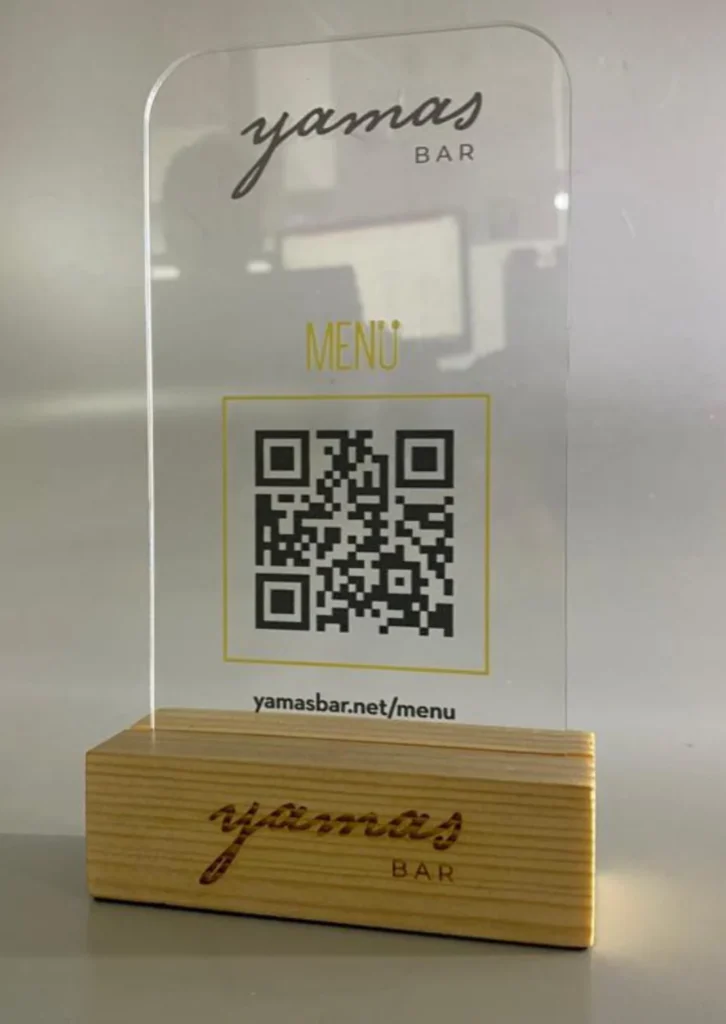
A QR menu card must indicate what it opens before being scanned. There is a clear distinction from the guest's perspective between two similar cards labeled 'Menu' and two others labeled 'Room Service' and 'Minibar': in the latter case, the decision can be made without taking out the phone.
Start by defining the card’s purpose
The room service and minibar cards in the Salamis Bay Conti selection share the same visual language. Changing the service name does not require rebuilding the design from scratch; however, placing the two cards side by side requires distinguishing their headings. The card on the bar table poses another question: is the code visible from the seated person's perspective, or only when the card is picked up?
How much space does a QR code need around it?
Leave at least four modules' width of empty space around the QR code; a module is one small square within the code. Do not place frames, illustrations, or text inside this area. The measurement does not correspond to the same millimeter value in every print. GS1 diagram of the QR code quiet zone can be viewed here.
Conduct a final proof with real paper and actual placement. Place the card on the table, read it with two different phones, and verify that only the camera's code is visible while ensuring the correct menu opens. Compare the room service card, minibar card, and bar menu..
Related projectPrint collateral ↗